Applying for an FNB Credit Card online is convenient and straightforward.
You can complete the process in minutes using your computer or smartphone without visiting a branch.



This guide explains each step, from checking eligibility to submitting your application securely through FNB’s website or app.
Understanding FNB Credit Cards
FNB offers several credit card options designed for different income levels and lifestyles. Each card offers unique benefits, including rewards, travel perks, and financial flexibility.
Here’s what you need to know about these cards:
- Aspire Credit Card: For entry-level users who want to build credit and earn basic rewards on spending.
- Premier Credit Card: Designed for mid-income earners with benefits like travel insurance and eBucks rewards.
- Private Clients Credit Card: For high-income clients offering premium rewards, concierge services, and global access.
- Business Credit Card: Ideal for entrepreneurs and business owners to manage company expenses efficiently.
- Student Credit Card: For young adults starting their financial journey, offering low fees and spending limits.
- Features Across All Cards: Online management, eBucks rewards, secure chip technology, and flexible repayment options.
Benefits of Applying Online
Applying online for an FNB Credit Card gives you flexibility, convenience, and speed.
You can complete everything from your computer or phone at any time. Here are the main benefits:
- 24/7 Access: You can apply anytime without visiting a branch.
- Time-Saving: The online process takes only a few minutes to complete.
- Paperless Application: No need to print or mail physical documents.
- Instant Feedback: You receive immediate confirmation or next steps after submission.
- Secure Verification: FNB uses encryption and authentication to protect your data.
- Easy Tracking: You can monitor your application progress directly in the FNB app or website.
- Pre-Filled Details for Clients: Existing FNB customers enjoy faster applications with auto-filled information.

Requirements Before You Apply
Before applying for an FNB Credit Card, you must prepare key documents and personal details.
Having them ready helps you complete the process faster and avoid delays. Here’s what you’ll need:
- Valid Identification: South African ID or a valid passport if you’re a foreign national.
- Proof of Income: Recent payslips or bank statements (usually for the last 3 months).
- Proof of Residence: A utility bill or lease agreement not older than 3 months.
- Contact Information: Active mobile number and email address for verification.
- Employment Details: Employer name, position, and length of employment.
- Existing FNB Account (Optional): Speeds up processing for current clients.
- Credit Record: A good credit history increases your chances of approval.
Step-by-Step Application Process
Applying for an FNB Credit Card online is quick and straightforward.
You can do it through the FNB website or mobile app in just a few steps. Follow this guide to complete your application:
- Visit the Official FNB Website or App: Visit the official FNB website or use the FNB mobile app on your smartphone to begin your application.
- Select the Credit Card Option: Navigate to “Personal” or “Credit” and choose “Credit Cards.”
- Choose Your Preferred Card: Review the available card types (Aspire, Premier, Private Clients) and click “Apply Now.”
- Complete the Online Form: Fill in personal, employment, and financial details accurately.
- Upload Required Documents: Attach digital copies of your ID, proof of income, and proof of residence.
- Review and Submit: Double-check all details before submitting your application for processing.
- Wait for Confirmation: You’ll receive updates via email or SMS about your application status.
Interest Rates, Fees, and Terms
Here’s a clear list of typical interest rates, fees, and terms you should check before applying for a credit card with First National Bank (FNB).
- Interest Rate: The rate is personalised and appears on your statement — for example, one card uses “prime + 2%” as a benchmark.
- Interest-Free Period: Up to 55 days interest-free on purchase transactions if you pay the full amount by the due date.
- Monthly/Annual Card Fee: Example cited: R 87.00 monthly for a Premier credit-card option.
- Transaction Fees (e.g., cash withdrawals, replacements): Card replacement fee is R120; cash withdrawal and other service fees apply.
- Terms: Use of the card means you accept FNB’s terms and conditions; the credit facility is subject to approval and tied to the card account.
Tracking and Managing Your Application
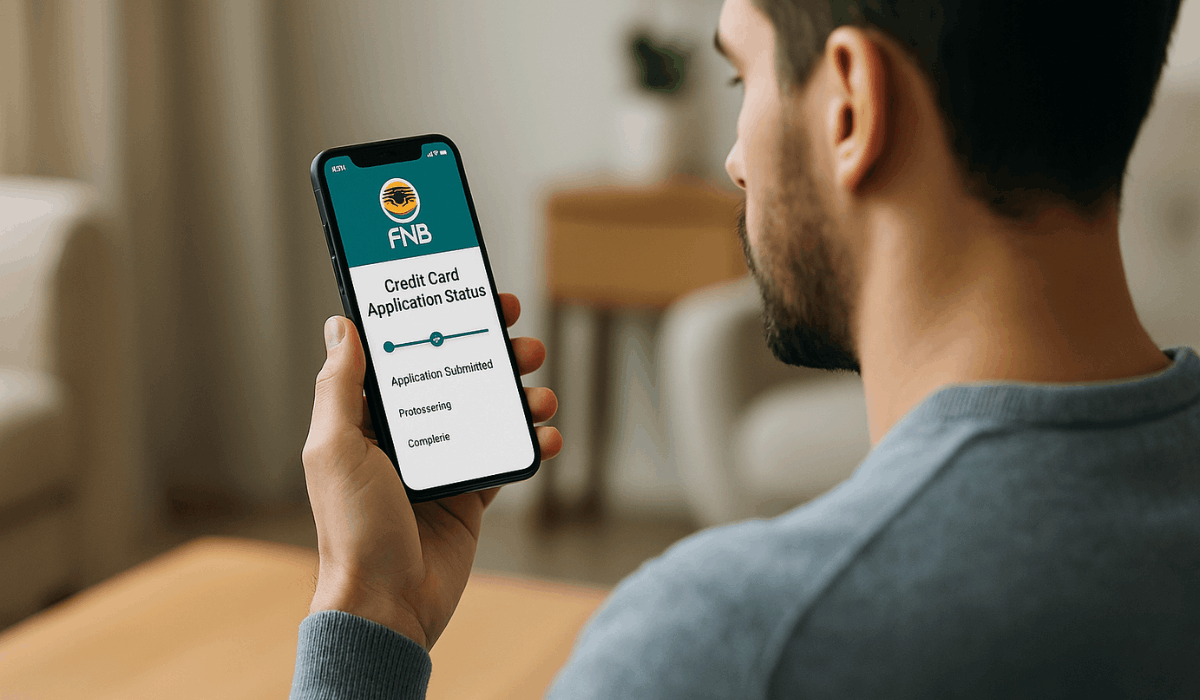
Here’s how to track and manage your FNB credit card application after you apply. Stay updated, respond quickly, and manage your account easily once approved.
- Check status online: Use FNB’s tracking tool with your ID or reference number.
- Get SMS or email updates: FNB notifies you when more documents are needed or a decision is made.
- Reply quickly: Send any missing information right away to avoid processing delays.
- Activate your card: Once approved, activate it through FNB’s website or app before use.
- Manage digitally: Use FNB’s online or mobile banking to monitor spending and alerts.
- Track credit health: Check your credit score using FNB’s built-in Credit Center tools.
Tips for Approval
Here are the main tips you should follow to improve your FNB Credit Card approval chances. Each point includes a short explanation to help you prepare better.
- Proof of Income: Provide clear, up-to-date payslips or bank statements that demonstrate your income stability.
- Good Credit History: Keep a clean record by paying debts and bills on time to show financial responsibility.
- Low Debt Ratio: Maintain your existing debt at 30–40% or less of your income to demonstrate affordability.
- Accurate Documents: Upload legible copies of your ID, proof of residence, and employment information.
- Limit Applications: Avoid submitting too many credit requests at once, as this can lower your credit score.
- Existing FNB Account: Having an active FNB account can speed up approval by leveraging verified customer data.
- Credit Report Check: Review your credit report before applying to ensure there are no outdated or incorrect entries.
Contact Information
Here’s the contact information for First National Bank (FNB) (South Africa) credit-card support. Use these details if you need help or want to follow up.
- Phone (Credit Card enquiries): 087 736 4800
- Phone (General/Sales): 087 575 9404
- Email (Card support): fnbcard@fnb.co.za
- Email (Complaints/General): care@fnb.co.za
Final Takeaway
Applying for an FNB Credit Card online is fast, safe, and convenient.
You can choose a card that matches your income and lifestyle, then complete the process in just a few minutes.
Start your application today on FNB’s official website or app to enjoy flexible credit, rewards, and secure banking.
Disclaimer
Information in this article is based on publicly available details from FNB and may change without notice.
Always verify current rates, fees, and terms directly on the official FNB website before applying.