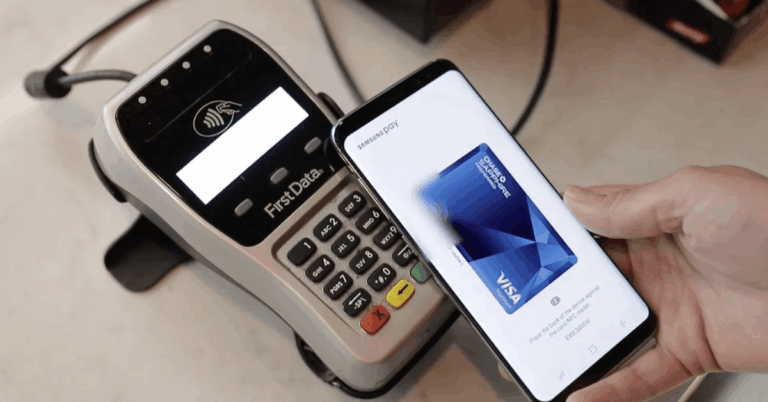
If your goal is to track and manage your expenses easily with the Mint app, you should also know what changed in 2024 and how to keep your workflow going.
Mint pioneered all-in-one tracking, smart categories, and simple budgets that made daily money management less stressful.



Many of those capabilities now live inside Intuit’s Credit Karma experiences. This guide explains what Mint did best and how to replicate those steps today with accurate, up-to-date details.
Mint App Status in 2025: What Changed and What Replaced It
Intuit announced the wind-down of Mint and directed users to Credit Karma, completing the shutdown in early 2024.
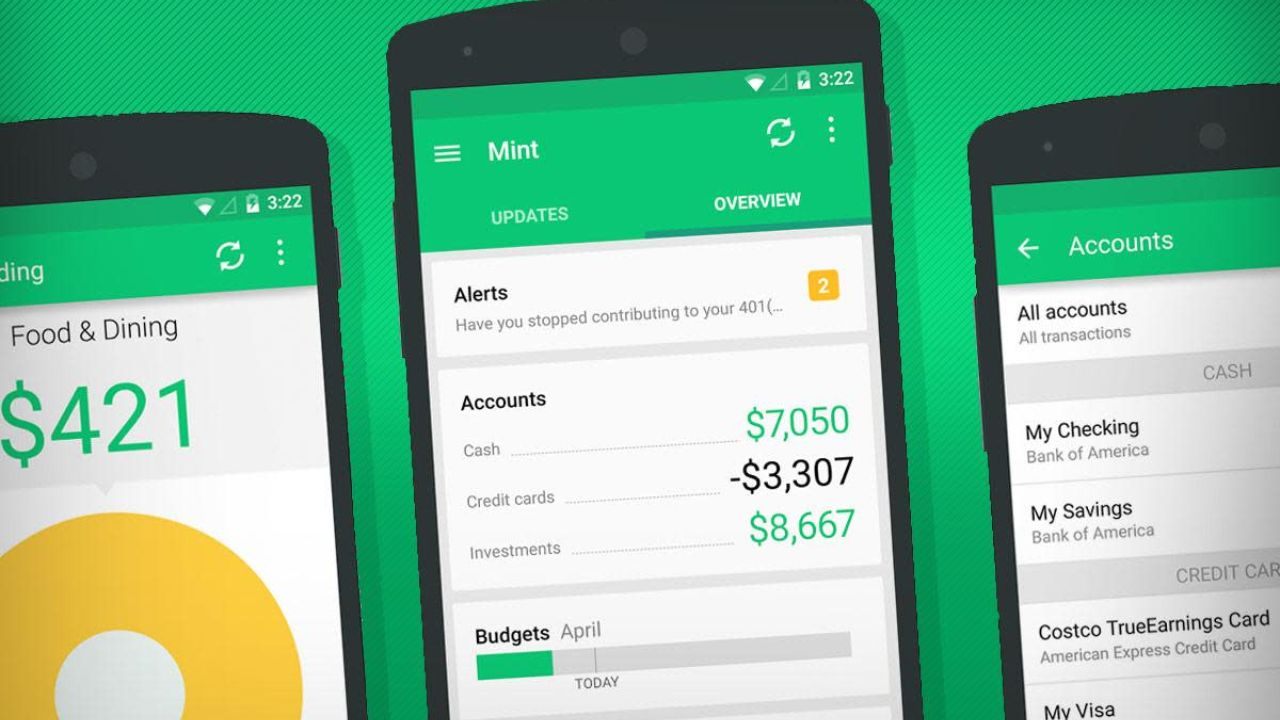
The official messaging emphasizes that popular Mint features “made the leap” to Credit Karma, including spending views and account aggregation.
That means the workflow below remains relevant, though the buttons and labels now sit in Credit Karma’s interface.
Understanding this transition helps you keep continuity without rebuilding your entire financial system from scratch.
The Mint Timeline and What You Can Still Do
Mint operated for years as a free budgeting hub before Intuit confirmed discontinuation and migration to Credit Karma.
Public timelines noted a January 2024 target, with communications and deprecations phasing into March for some regions.
As of 2025, new sign-ups go through Credit Karma rather than the legacy Mint app. If you previously used Mint, you can continue tracking with Credit Karma’s money tools mapped from Mint’s core features.
What “Moved” From Mint and Why That Matters
Account syncing, spending categorization, budgets, and net-worth style views are the features users most associate with Mint.
Intuit’s materials and support pages describe these as available or expanding within Credit Karma’s experiences. The practical takeaway is simple: the method still works even if the app name has changed.
You can follow the same budgeting routine with similar data and dashboards in the new environment.
Best Features Mint Was Known For (and Where They Live Now)
Mint’s foundation was secure connections to banks, cards, and loans that pulled transactions into one timeline.
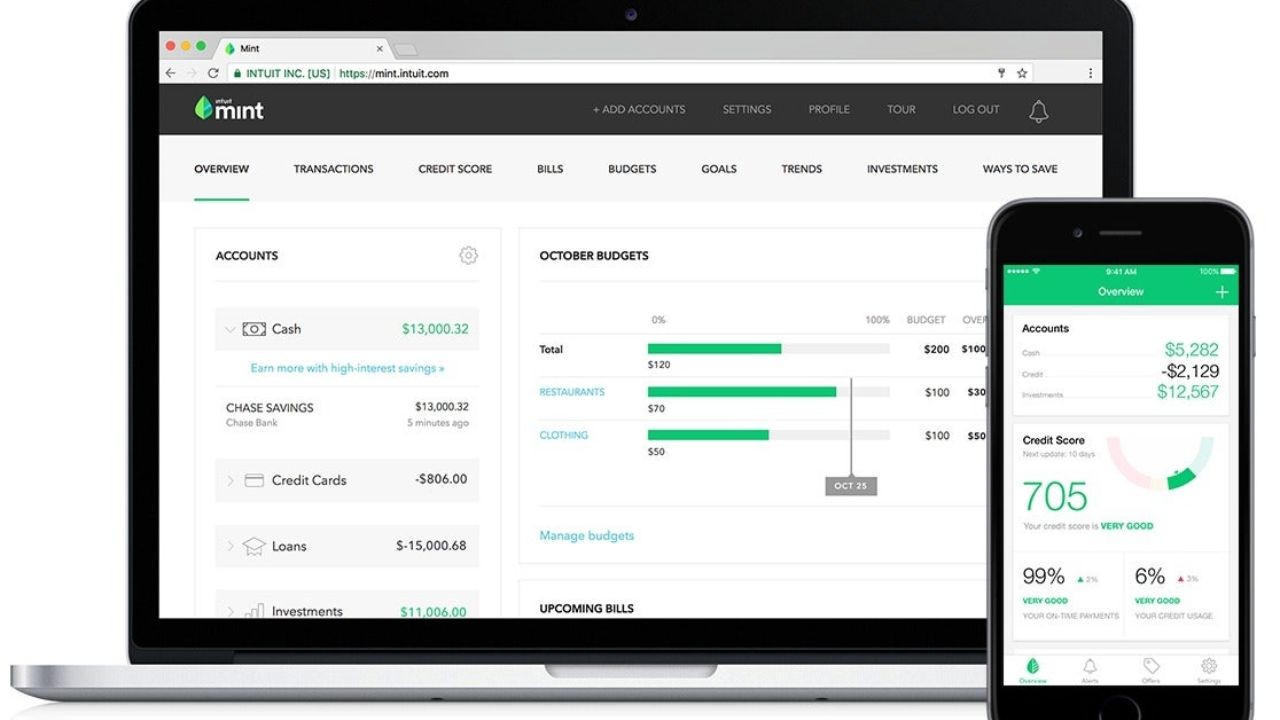
Automatic categorization grouped spending so you could see patterns without manual spreadsheets.
Budgets, alerts, and goal tracking turned those patterns into monthly targets and progress checks.
Credit Karma now houses these core functions, preserving the workflow for day-to-day expense management.
Unified Account Aggregation and Clean Categorization
The biggest time saver was connecting multiple institutions so everything landed in a single feed.
Mint auto-categorized most transactions, and users refined rules to improve accuracy over time. That reduced friction and made weekly reviews fast, which is how real budgeting sticks.
Credit Karma’s linked-account experience fulfills the same role for 2025 users who want a consolidated view.
Budgets, Alerts, and Proactive Notifications
Mint let you set monthly caps by category, then notified you when spend drifted above plan.
Those nudges triggered small corrections before the month got away from you. Alerts for low balances and bill-like patterns helped you avoid fees and cash-flow dips.
Credit Karma’s money tools replicate this proactive layer so you can keep the same guardrails in place.
Net Worth, Goals, and Big-Picture Tracking
Users relied on Mint’s net-worth snapshot and goal modules to visualize longer-term progress.
Those views translated day-to-day decisions into something tangible, like an emergency fund or debt-paydown timeline.
Credit Karma now emphasizes similar high-level perspectives around balances and trends. The continuity lets you guide weekly choices with quarterly and annual targets in mind.
Why You Should Track and Manage Your Expenses
Tracking shows where your money actually goes and replaces guesswork with facts.

With a categorized feed, you can adjust caps in problem areas instead of cutting randomly.
Budgets and alerts transform big goals into small weekly decisions you can actually follow.
Over time, consistency improves savings rates, lowers interest costs, and reduces financial stress.
The Payoff for Everyday Life
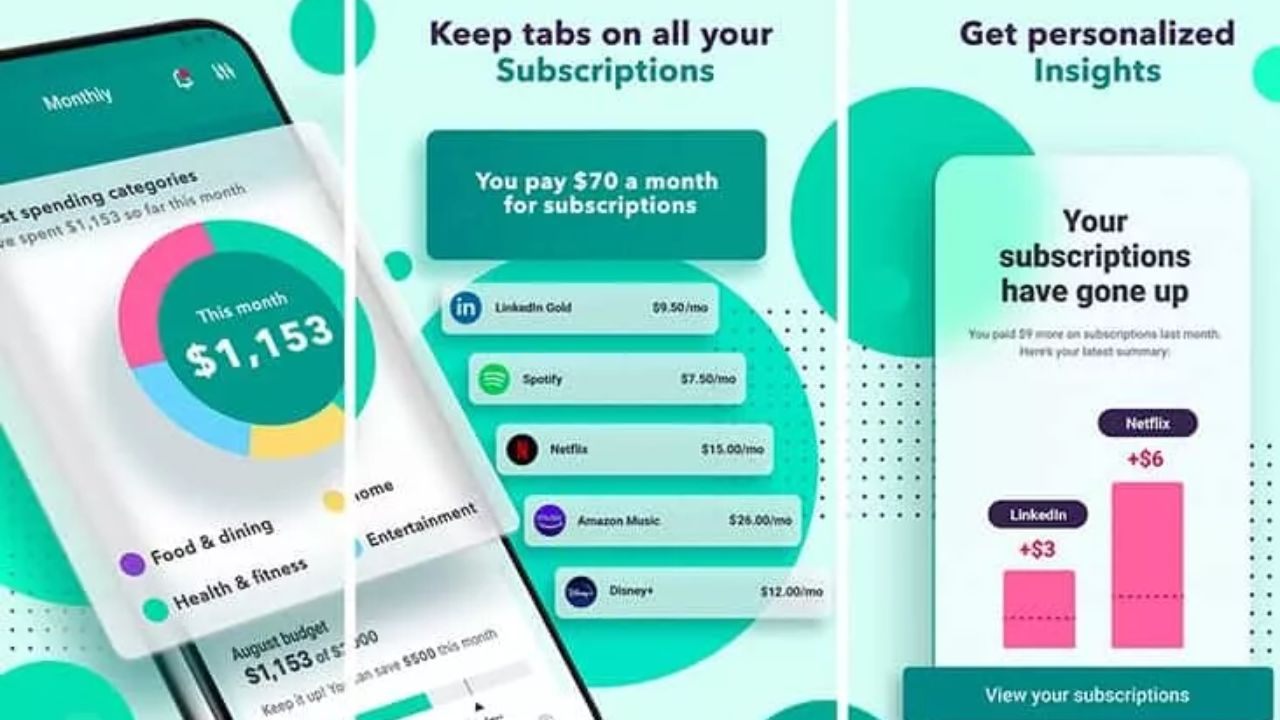
Clarity helps you avoid overdrafts and surprise charges that derail plans. You catch subscriptions you do not use and redirect that cash to higher priorities.
You also time purchases to match pay cycles so balances stay healthy. That steady rhythm matters more than dramatic one-time cuts.
Better Decisions Without More Work
Automations do the heavy lifting so you only approve categories and adjust a few rules. Projections and upcoming-balance views tell you when to tap the brakes.
Goal dashboards let you see progress every week without opening a spreadsheet. You become proactive instead of reacting after the money is gone.
How to Track and Manage Your Expenses With “Mint” Today
Because Mint’s features now reside in Credit Karma, you follow the same steps with new labels.
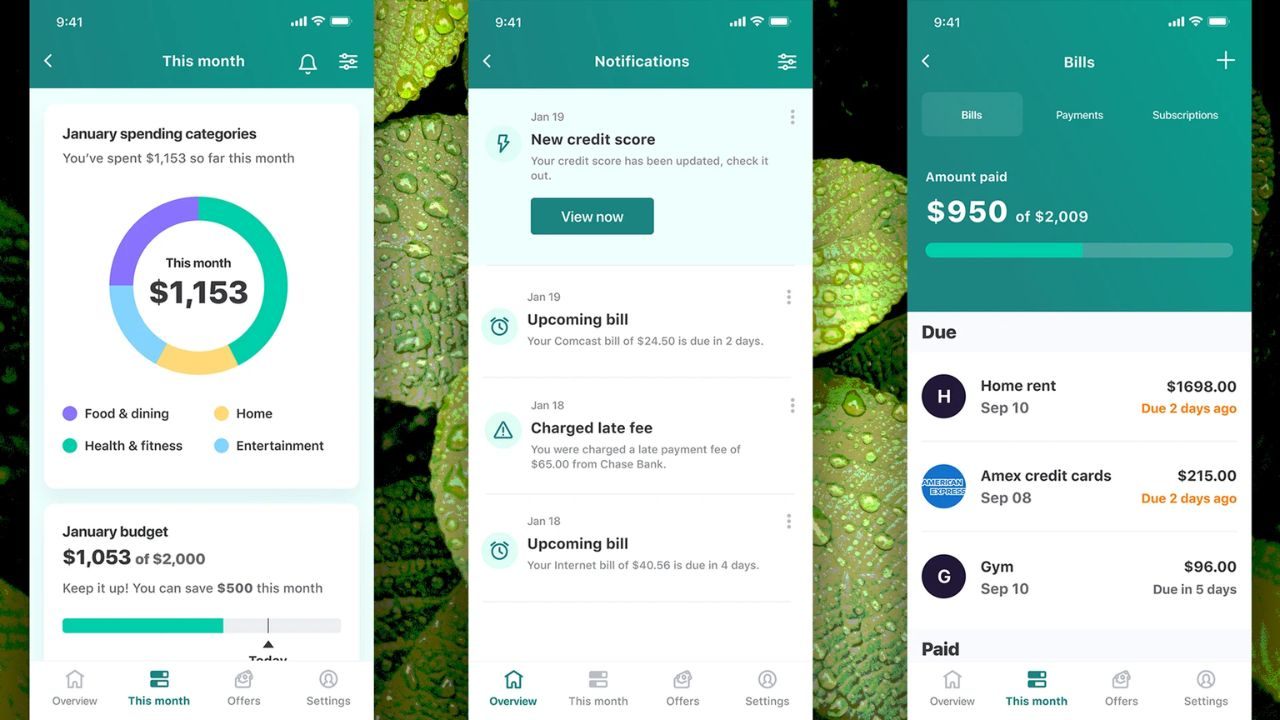
Start by connecting your main checking, credit cards, and any loan or savings accounts.
Let the system auto-categorize the last 60 to 90 days so your baseline is real. Then set monthly caps, enable alerts, and schedule a short weekly review.
Step 1: Link Accounts and Confirm Your Baseline
Log in and connect your bank, card, and loan accounts in the money section. Review imported transactions and fix category outliers so reports reflect reality.
Create a couple of custom categories if your life needs them, such as “Kid Activities” or “Side Hustle.” With a clean baseline, you are ready to build a budget that matches actual spending.
Step 2: Build a Simple Monthly Budget and Turn On Alerts
Assign caps to flexible categories like dining, groceries, and entertainment based on last month’s data. Turn on alerts for category overages, low balances, and large transactions.
Add goals for an emergency fund or debt paydown and link small automatic contributions. The result is a plan that updates itself as new transactions arrive.
Step 3: Do a Weekly Five-Minute Review and Rebalance
Open your dashboard, approve any uncategorized items, and fix the few that were mis-labeled. Check which categories are trending hot and trim discretionary spend before the month ends.
If a category is consistently off, lower its cap or move funds from a low-usage area. The goal is momentum, not perfection, and weekly adjustments keep you on course.
Step 4: Use Insights and Projections to Avoid Dips
Review upcoming bills and projected balances to time purchases and transfers. If a dip appears, move discretionary spending to a safer week or pause a nonessential order.
Schedule your payment dates and payday contributions to avoid tight spots. Small timing changes often eliminate fees and preserve your buffer.
Conclusion
If your goal is to track and manage your expenses easily with the Mint app, you can still follow the same proven method in 2025. With a simple routine and reliable dashboards, you will make faster decisions, cut waste, and stay on track all year.